HOMESERVER
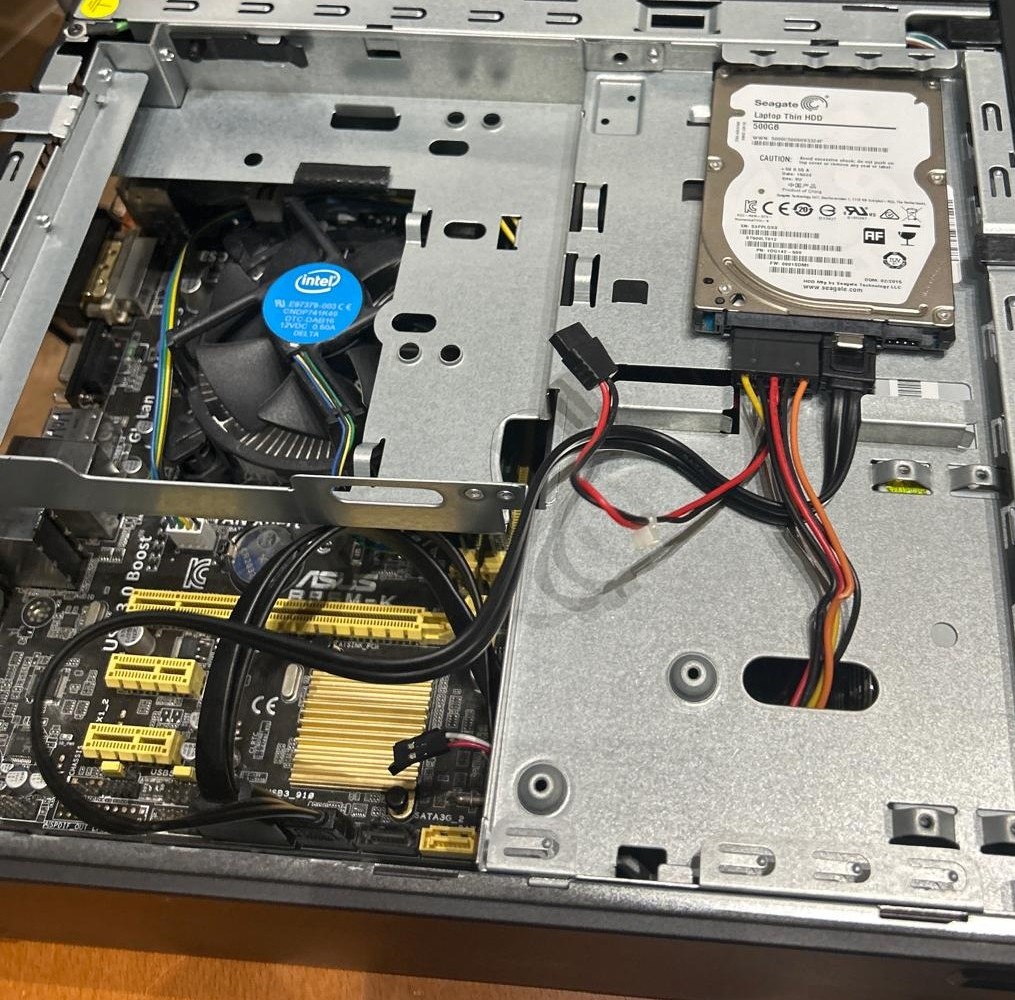
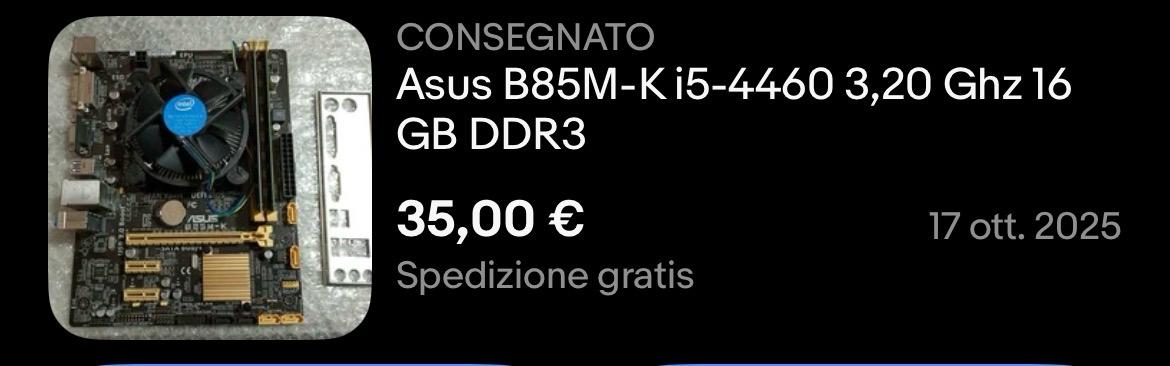
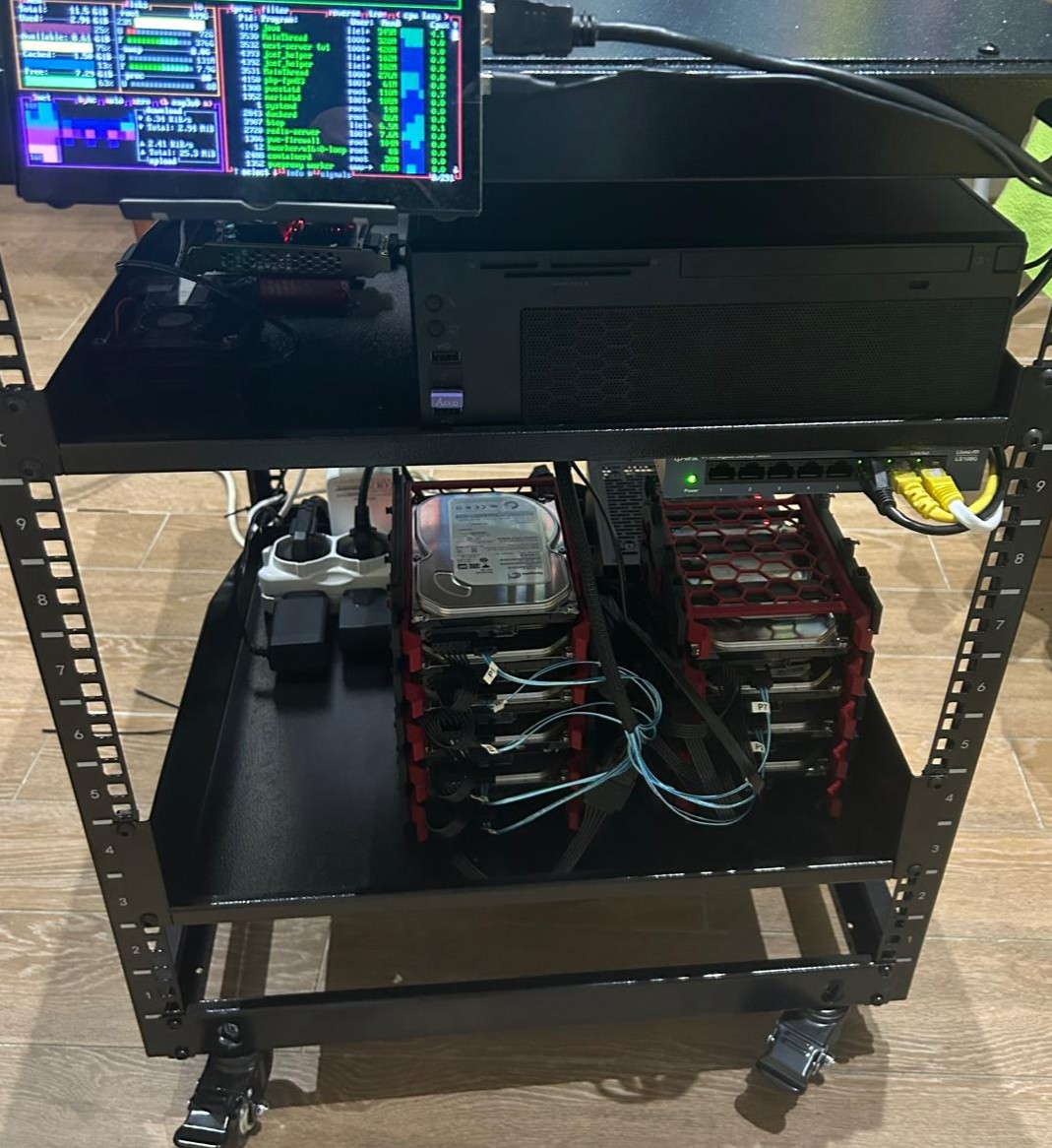
While browsing the internet, I found some cool home server and NAS projects from YouTubers, so I decided to make my own. As I don't have a huge budget, I decided to buy second-hand PC parts on eBay at a low price. I know it's not the best for reliability, but as I said, it's a low-budget project. I found a good deal on a motherboard with RAM and a processor already assembled. The processor supported virtualisation and, despite the RAM being DDR3, it was still a good price. After that, I bought a micro ATX case with a PSU, took an HDD that I wasn't using, and there you go: the main server node.
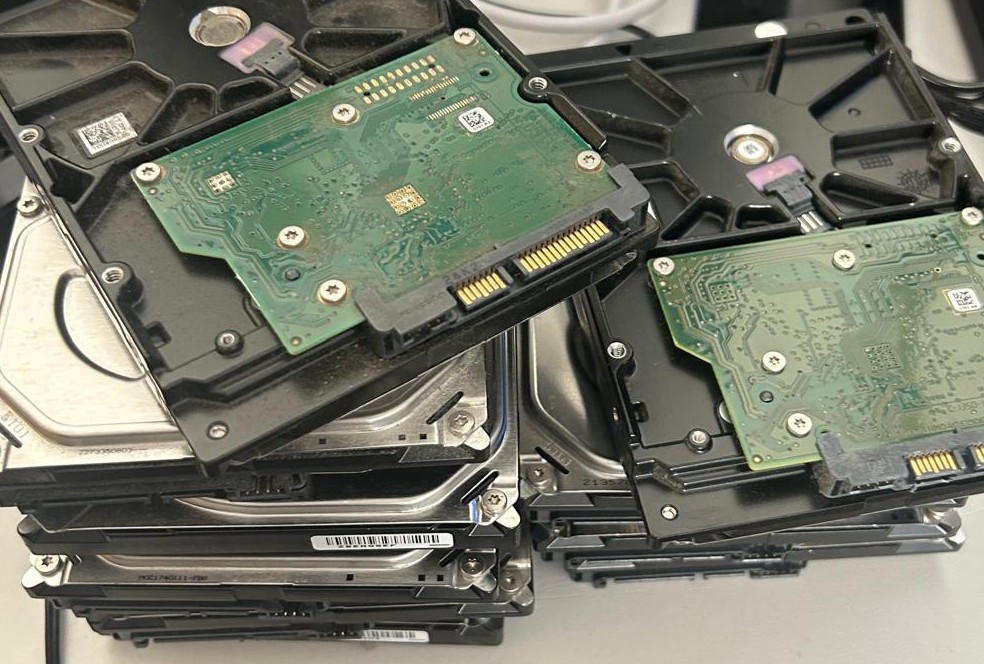
For storage, I used 9 HDD with 500 GB, powered by an external PSU. I made sure to test them and ensure they were all in good condition. Even though they are quite old, they can last at least another year. As I don't have RAID hardware, I bought a PCIe expander to SATA card, printed a 3D rack for the disks and bought two fans to cool them. I connected the disks to the expansion card and the expansion card to the main node.
Successively, I bought a 12U server rack, so that I can easily expand the project, as well as a LAN switch and a small screen. At the moment, the server contains only the main node and a Raspberry Pi.
The main node runs on Proxmox VE, which has a web-based interface that makes managing virtual machines and containers easy. To keep data safe, I did not use a normal RAID setup. Instead, I used SnapRAID. SnapRAID provides data protection through a parity-based mechanism and operates via periodic synchronisation processes rather than in real time.
As SnapRAID does not combine multiple disks into a single storage volume, I used MergerFS to merge different mount points into one unified directory. This lets me use all the disks together as one storage space, while MergerFS decides where to store the data based on the rules I set. I allocated one disk exclusively for parity purposes. With this configuration, I periodically sync my data and make sure that, if a single disk fails, I can recover my lost data. However, since I have only one parity disk, the system can tolerate the failure of one data disk at a time.
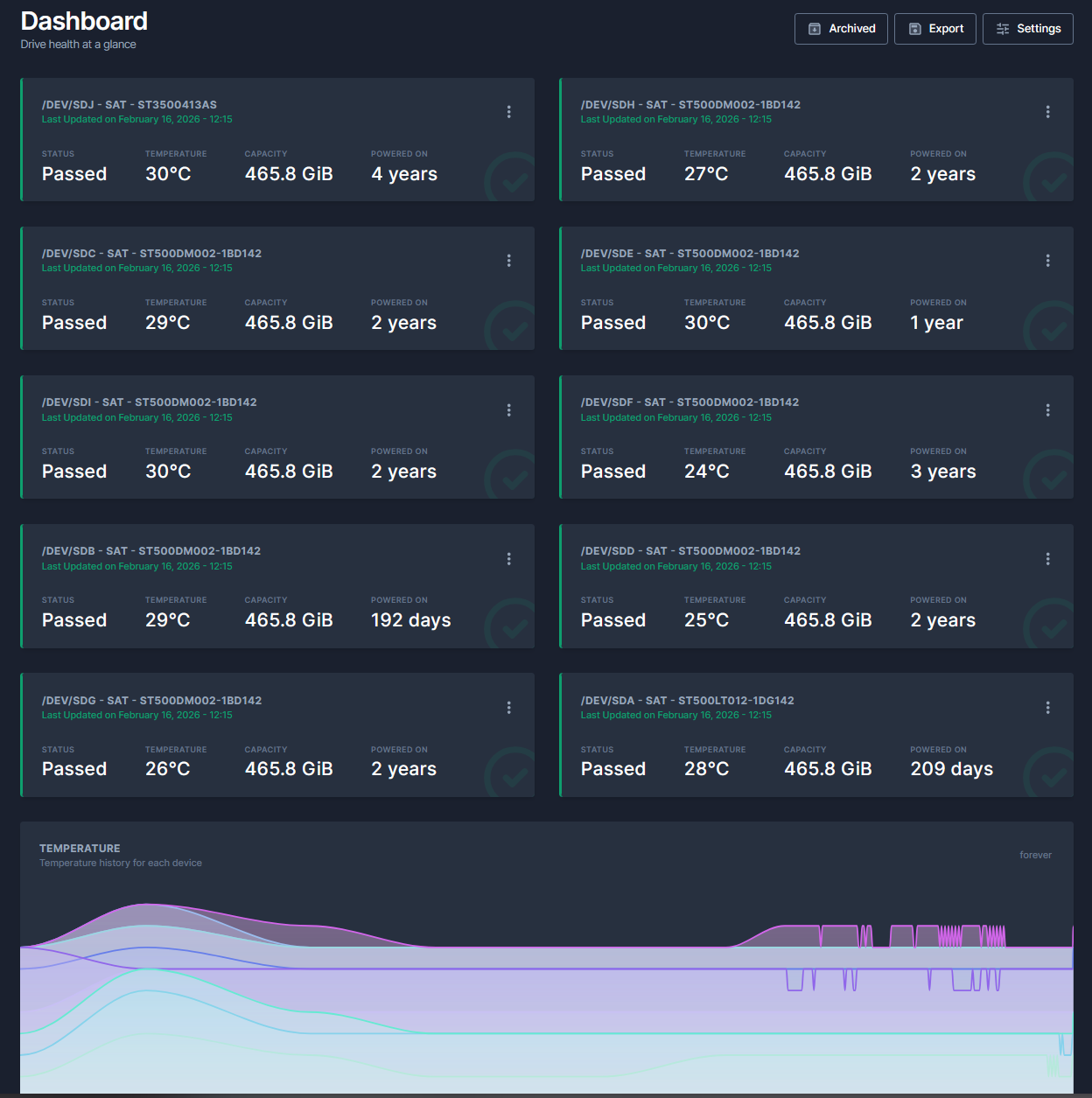
On the root node, I run a file browser web UI since Proxmox does not have one integrated. I also run a Docker with Scrutiny, a program that allows me to monitor my disks by viewing SMART parameters and notifying me on Telegram if anything goes wrong.
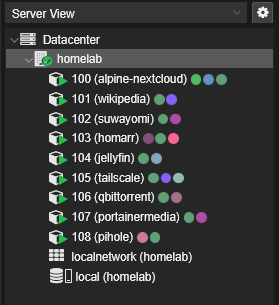
I currently have nine containers.
Nextcloud: This is my personal cloud, where I store all my family's files, photos and memories. I also run MiniDLNA within this setup to stream those photos and videos directly to my TV, which makes it easy for my relatives to browse through our old digital photo albums.
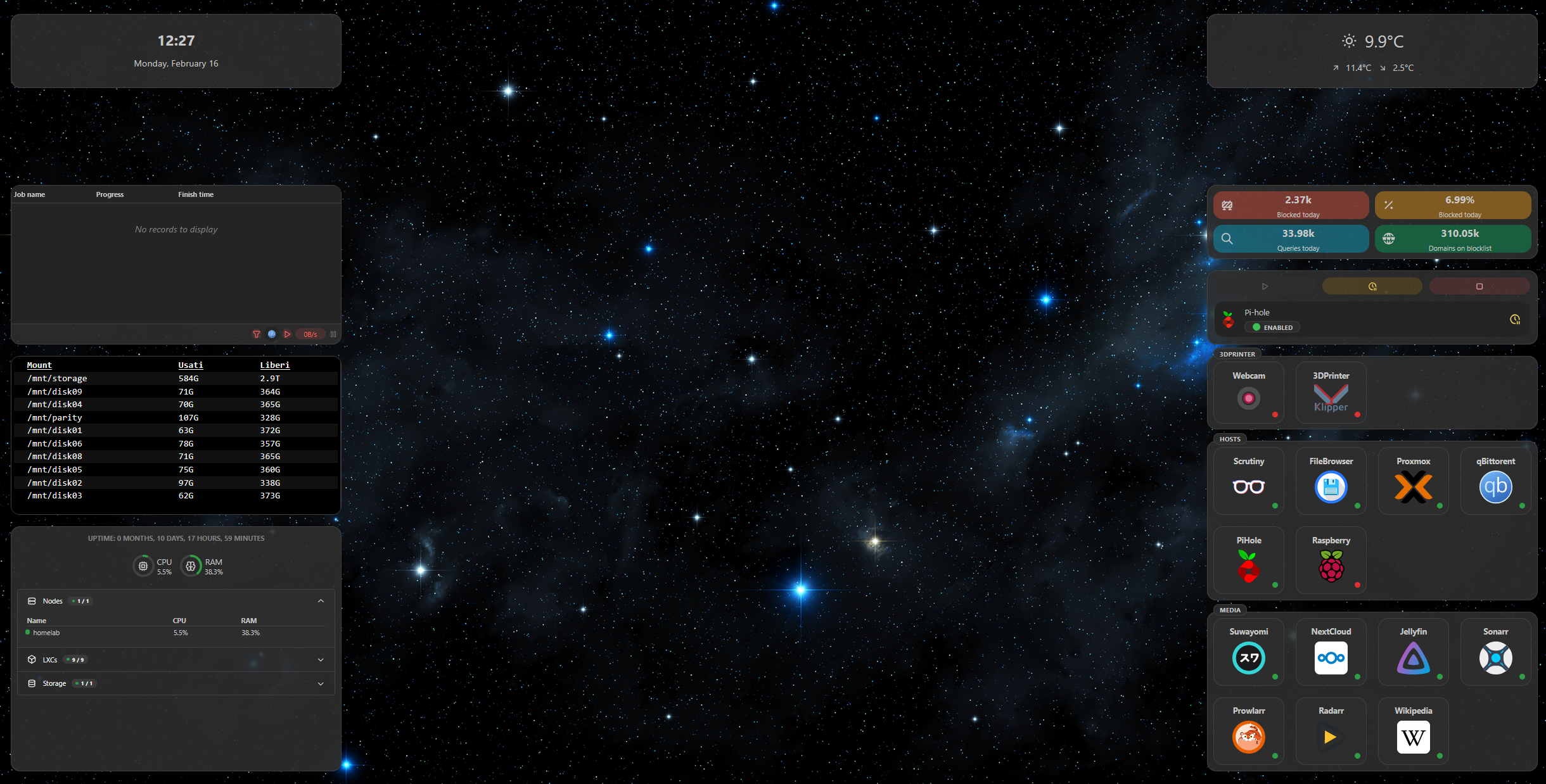
Homarr: It is a dashboard that I use as my personal homepage to keep all my services organised in one place.
Pi-hole: This is a network-wide shield that blocks trackers and adverts for every device in the house. I have configured it to resolve DNS queries locally using Unbound, which improves my privacy significantly.
Tailscale: I use this VPN to securely access my entire home subnet from anywhere in the world.
Wikipedia (Kiwix): I use Kiwix to make a local copy of Wikipedia so it can be accessed offline.
qBittorrent: I host this dedicated client to manage all my file downloads centrally on the server. Running it as a container means I can keep my downloads active 24/7 and manage them via its web interface.
Regarding media:
As a disclaimer, I only host media that I can legally own.
Suwayomi: I host this as a server-side implementation of Tachiyomi to manage and read my entire manga library through a browser. It keeps my reading progress synced and accessible regardless of which device I am using.
Jellyfin: This is my personal media server, which I use to organise and stream my collection of films and TV shows. It is a fully open-source alternative that gives me complete control over my library, with no tracking or premium subscriptions.
Portainer (Prowlarr, Radarr, Sonarr): I use Portainer to manage a stack of three interconnected Docker services. Prowlarr acts as an indexer manager, while Radarr and Sonarr automate the organisation and management of my film and TV series collections, respectively.
To ensure stability, I assigned a static IP to each service, and all containers are configured to use a subfolder of my MergerFS merged mountpoint. For extra safety, I also perform periodic backups of my central node using Clonezilla.
I have implemented various specific configurations and tweaks for each individual service, but it would be far too long to list every single detail here. I have put a lot of work and long hours into this project to get everything running exactly the way I want it. In the end, it has been a great learning experience and, most importantly, it's a setup that is actually useful and makes my digital life a lot easier for me and my family.
Homarr: